
Keep shipments organized
Manage shipment information and monitor order progress from a centralized workflow.
COD shipping for Pakistani merchants
Manage shipments, track cash on delivery, and monitor your business performance from one simple dashboard. Keep your shipping operations organized as your business grows.
Built for Pakistan’s online sellers, D2C brands, and social-commerce businesses. This is not a storefront, and booking stays locked until your account is approved.
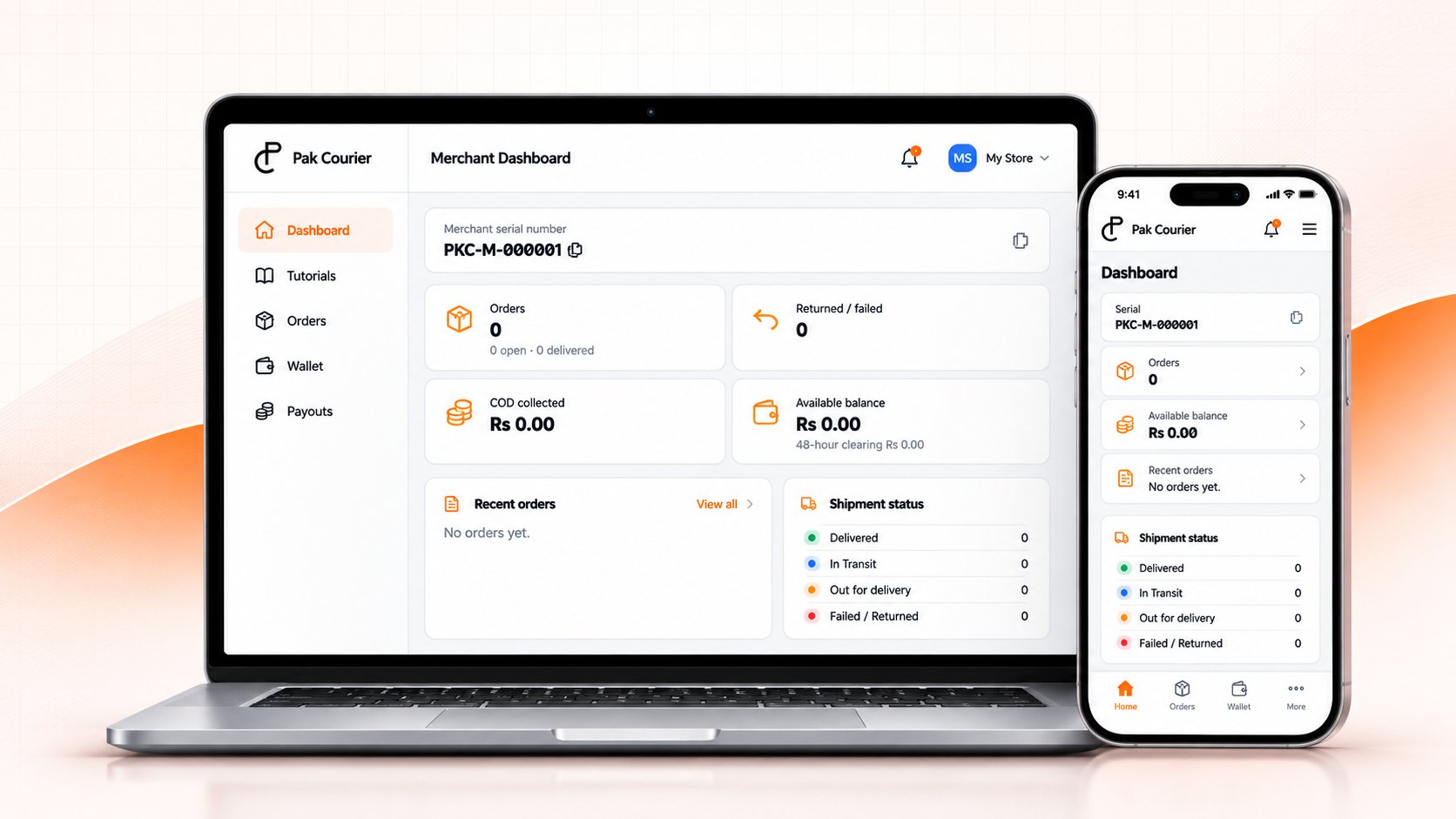
Merchant analytics here means the shipment and wallet summaries in your account, not a separate reporting product.
As order volumes grow, managing courier bookings, shipment statuses, COD information, and payout records can become difficult to keep organized.
Manage shipment information and monitor order progress from a centralized workflow.
Review available shipment and COD information without relying on disconnected records.
Use the dashboard and wallet summaries that are available in your account.
Bring essential shipping operations into one organized experience.
Create and organize shipment bookings through the courier workflows enabled for your account.
Review the shipment status updates recorded on an order. Live courier updates depend on the integration enabled for that courier.
Monitor the COD information recorded against your shipments and the collected amounts shown in your account.
Work with the courier services enabled for your account. A live API is not available for every listed courier.
Review wallet activity and payout requests. An administrator settles payouts. There is no bank transfer API.
Use the shipment and wallet summaries in your account. A separate analytics suite is not available yet.
These steps follow the account process that is available now. Approval is reviewed by a super admin, and no approval time is guaranteed.
Register with your name, business name, email, mobile number, and WhatsApp number.
Use your email and password. The merchant portal opens without an email confirmation step. Booking stays locked until business verification is approved.
Save your profile, then capture the shop exterior and interior with the live camera and device location.
A super admin reviews the submission. Booking stays locked until approval. Instant approval is not offered.
Choose Instant Payment or 7-Days Payout. The fee and clearing period shown on the profile are the ones stored with later bookings.
After approval, book through the courier services enabled for the account.
Review shipment status, wallet activity, and payout requests in the merchant portal.
Use a centralized dashboard to review available shipment information, order statuses, COD activity, and account summaries.
Welcome back, Ayesha Khan
Illustrative demo
Total shipments
128
Delivered
96
In clearing
18
Available
Rs 42,500
COD activity
Demo chart
Sample bars only. These figures are not Pak Courier results.
Recent shipments
Keep essential shipment and order information organized.
Review the information available to you without switching between disconnected records.
Follow a clear journey from account registration to shipment operations.
Access the shipping and account tools available to you in one interface.
Courier rates and applicable charges depend on the services available to your account. The booking review shows the courier charge before you confirm. Platform fees are calculated from the active fee rules and recorded on the shipment. There is no public price list.
Pak Courier is designed for online merchants and businesses that need to organize shipment and COD operations. Creating an account does not activate booking. Booking and payouts stay locked until a Super Admin approves the account.
Create an account on the registration page with your full name, business name, email, mobile number, WhatsApp number, and password. There is one login per business. After that, complete the merchant profile and the verification steps shown in your account.
Verification lets the platform review the business, identity, and bank information required before booking and payouts are unlocked.
Available courier services depend on what is enabled for your account and which driver that courier uses. Leopards has an adapter that can book and track when that courier is configured with a live driver. Trax, TCS, PostEx, M&P, and BlueEX are listed but do not currently have a live adapter. A courier set to the mock driver creates a generated consignment number and tracking record instead of calling a live courier API.
Use the shipment, wallet, and payout pages in your merchant account. Each shipment stores its COD amount, courier charge, platform fee, and net amount. The wallet shows balances, clearing amounts, and ledger entries. Payout requests are settled by an administrator after the clearing period stored on a delivered shipment. There is no automatic bank transfer.
Create your Pak Courier account and explore the shipping tools available for your business.